
Drowning in Long Reports and Emails Daily?

- Description
- Curriculum
- FAQ
- Reviews
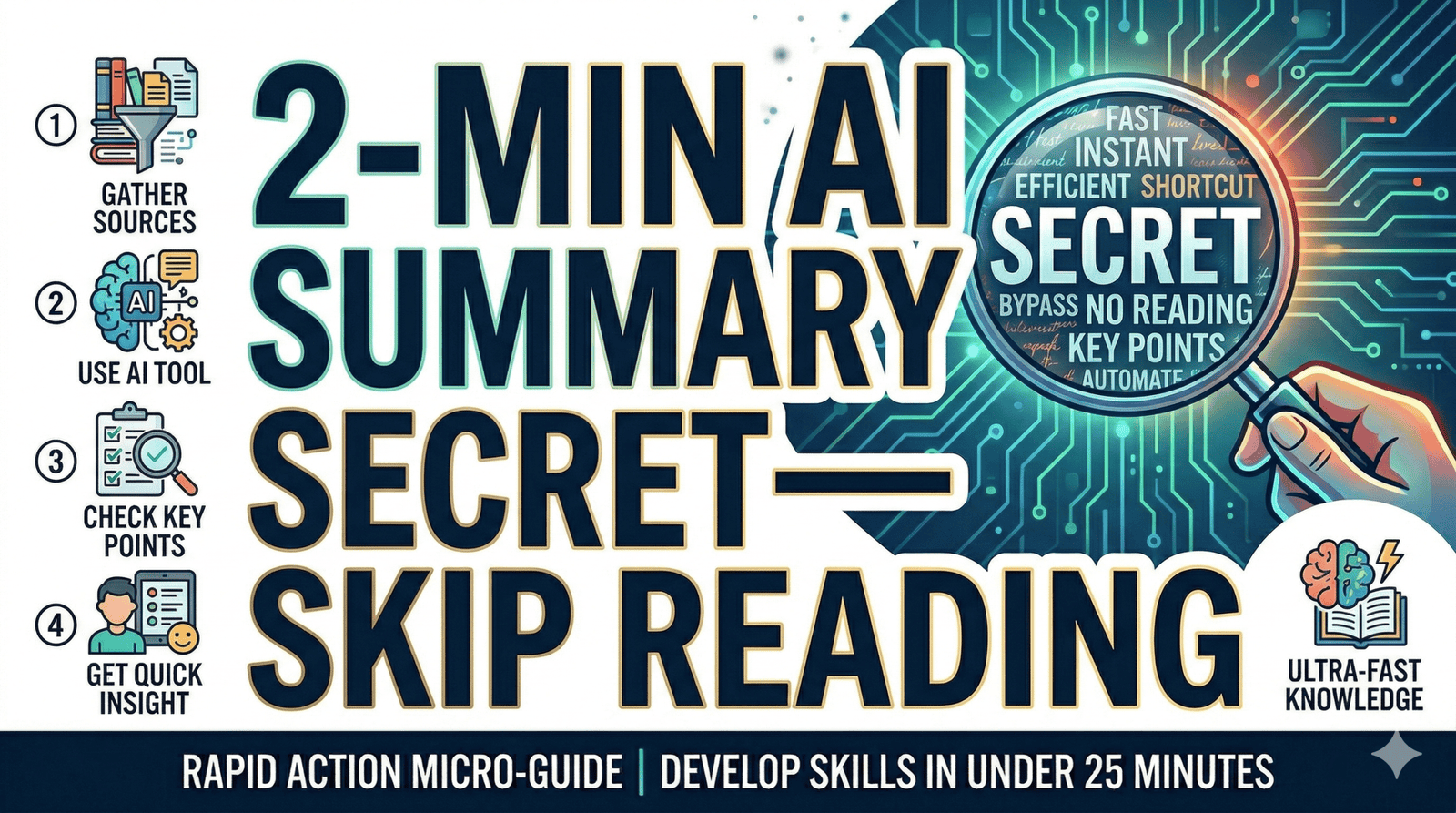
Information overload can cost you 3–5 hours each week. Many people have tabs of unread documents they avoid because reading them from start to finish seems daunting. This RAM approach changes that, getting exactly what you need in about 90 seconds. Confirm the output with a quick 30-second quality check, and if necessary, follow up with prompts. You can also create a personal template library for common document types like client emails, research articles, or specs—saving 2–3 minutes each time you summarise.
By the end of this micro-course, you will be able to:
- Use the “Purpose-First” system to turn any long document into a 1-minute summary in under 2 minutes—saving 3-5 hours per week.
- Apply 3 Golden Templates with copy-paste prompts that work for reports, emails, and PDFs.
- Troubleshoot AI outputs with the 30-second Quality Check and iterative refinement—getting exactly what you need without reading 20-page reports start to finish.
CONTENT (RAM PDF)
Section 1 – The Purpose-First System & 3 Golden Templates
Take Back Your Afternoon: The Document Overload Problem
Understand why generic AI summaries fail and how the “Purpose-First” system saves 3-5 hours per week for 2-3 documents.
Step 1: Set Your Goal (The ‘What’s,’ To-Do List, or Data)
Identify which of 3 goal categories you need so AI shapes the summary around it.
Step 2: Prepare Your Input (Copy-Paste vs. Upload)
Learn how to feed text to AI for accurate results.
Step 3: Use a “Golden Template”
Get 3 copy-paste prompt templates ready to use: Executive Summary, Action Summary, and Data Summary.
Section 2 – Real-World Practice & Quality Control
Fixing the “Meeting Mess”: Exercise with Model Prompt
Practice with a real client email scenario—compare a generic “Summarise this” prompt vs. a structured Action Summary prompt, and see the dramatic Before/After difference.
Your 2-Minute Blueprint: Pick, Match, Sandwich, Refine
Follow the 4-step action plan: pick a “tab of shame” document, match a template, use the Prompt Sandwich, and then troubleshoot with iterative refinement.
Bonus: 30-Second Quality Check & Two Micro-Principles
Run the 3-question Quality Check, apply follow-up prompts, and use the 2 Micro-Principles to make summarisation a routine, not a gamble.


